Member and employer online accounts will be unavailable on Sunday, October 11 between 6:00 a.m. and 8:00 a.m. to allow for scheduled system maintenance.

Setting up Added Security
Follow the steps below to enable added security on your account.
If you don't already have an authenticator app, download one before you begin these steps.
Step 1
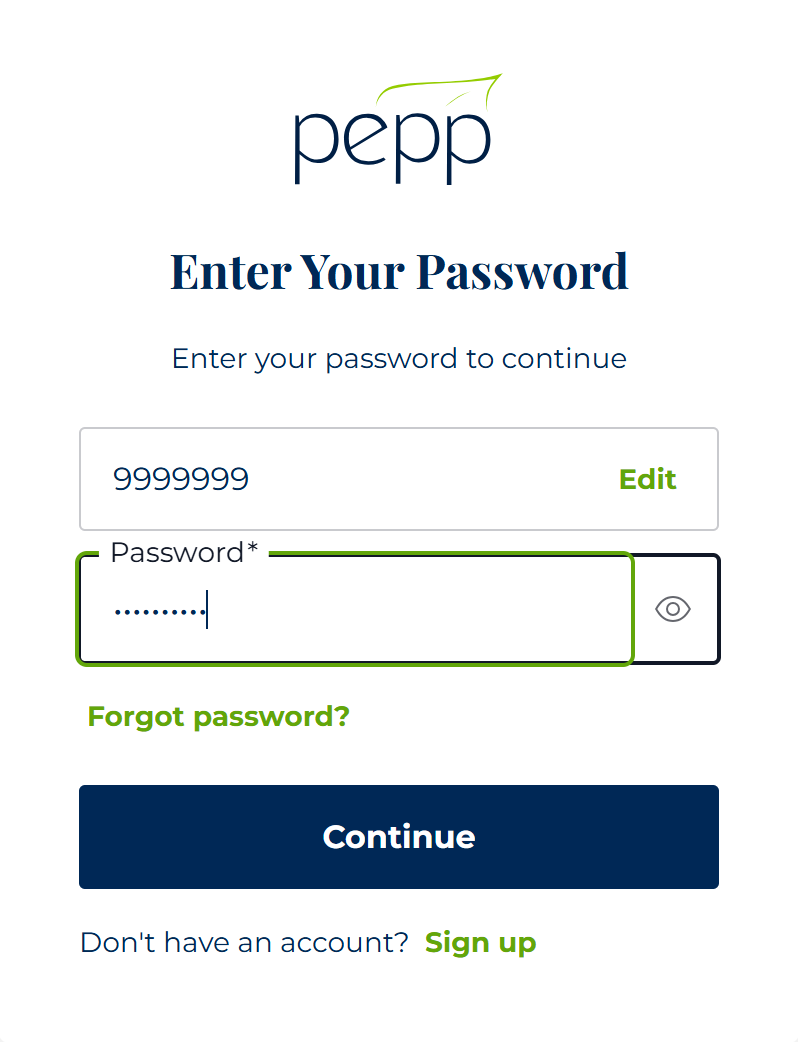
Enter your member number and password, then click Continue.
Tip, if you mistyped your Member Number in the previous step, hit Edit to correct your Member Number.
Step 2
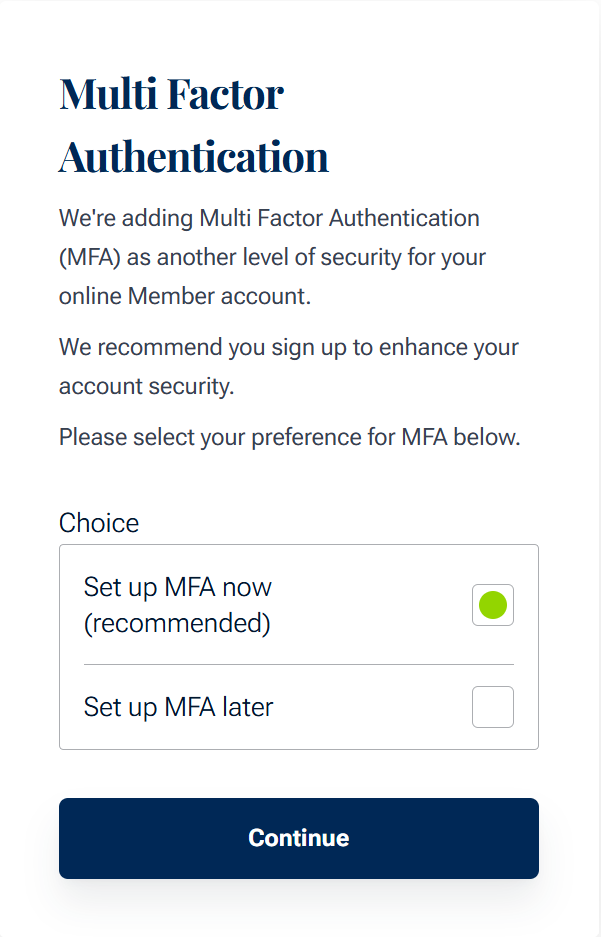
If you are an existing member, select whether you want to set up multi-factor authentication now or later. We recommend setting it up now.
New members are required to set up added security when registering their account.
Step 3a - Add Code to Authenticator by Scanning QR Code
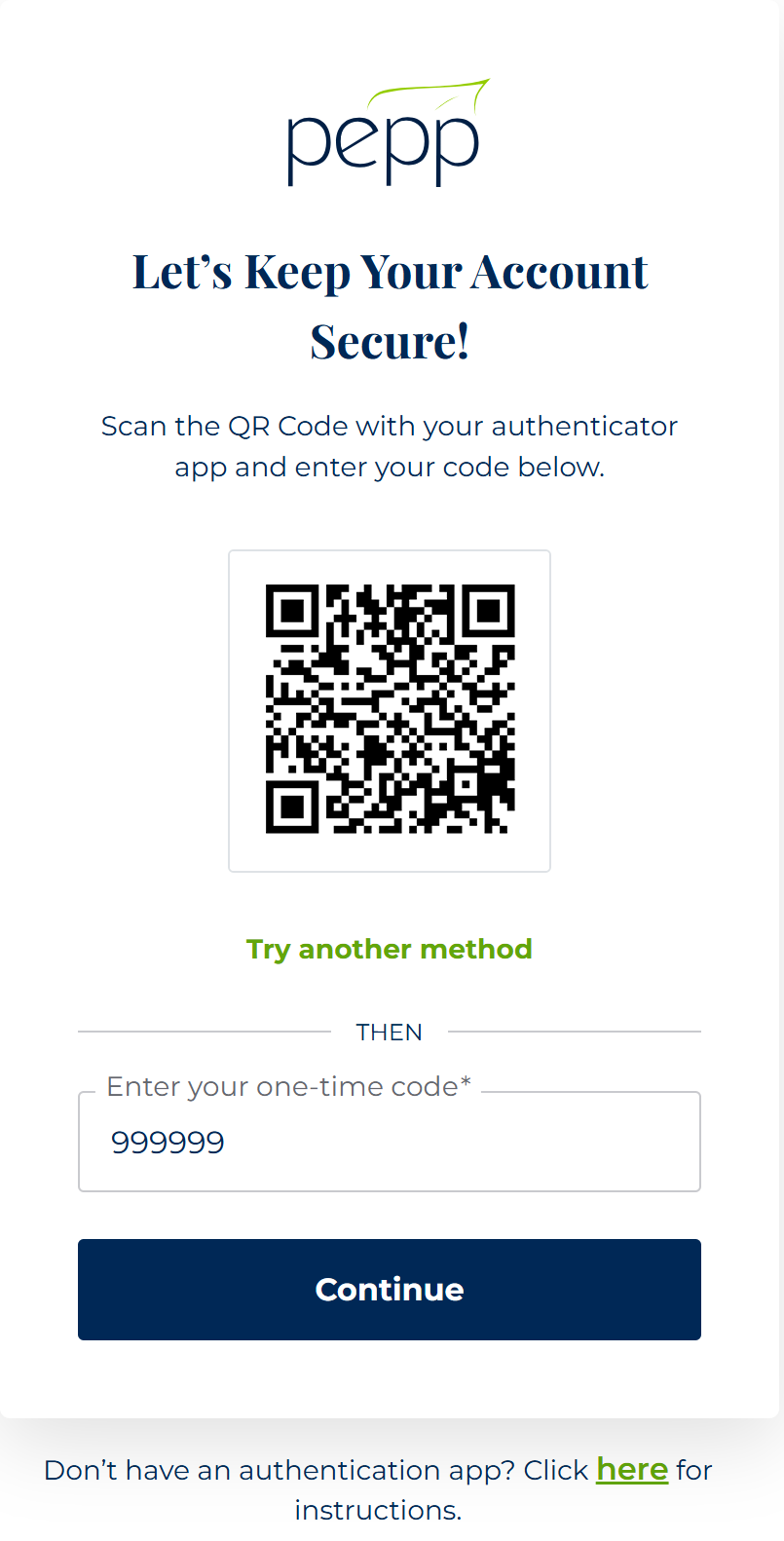
This step requires a camera on your device.
Scan the QR code with your authenticator app and enter the 6-digit number, then click Continue.
If your device does not have a camera, click the "Try another method" link and skip to the next step.
Step 3b - Add Code to Authenticator Manually
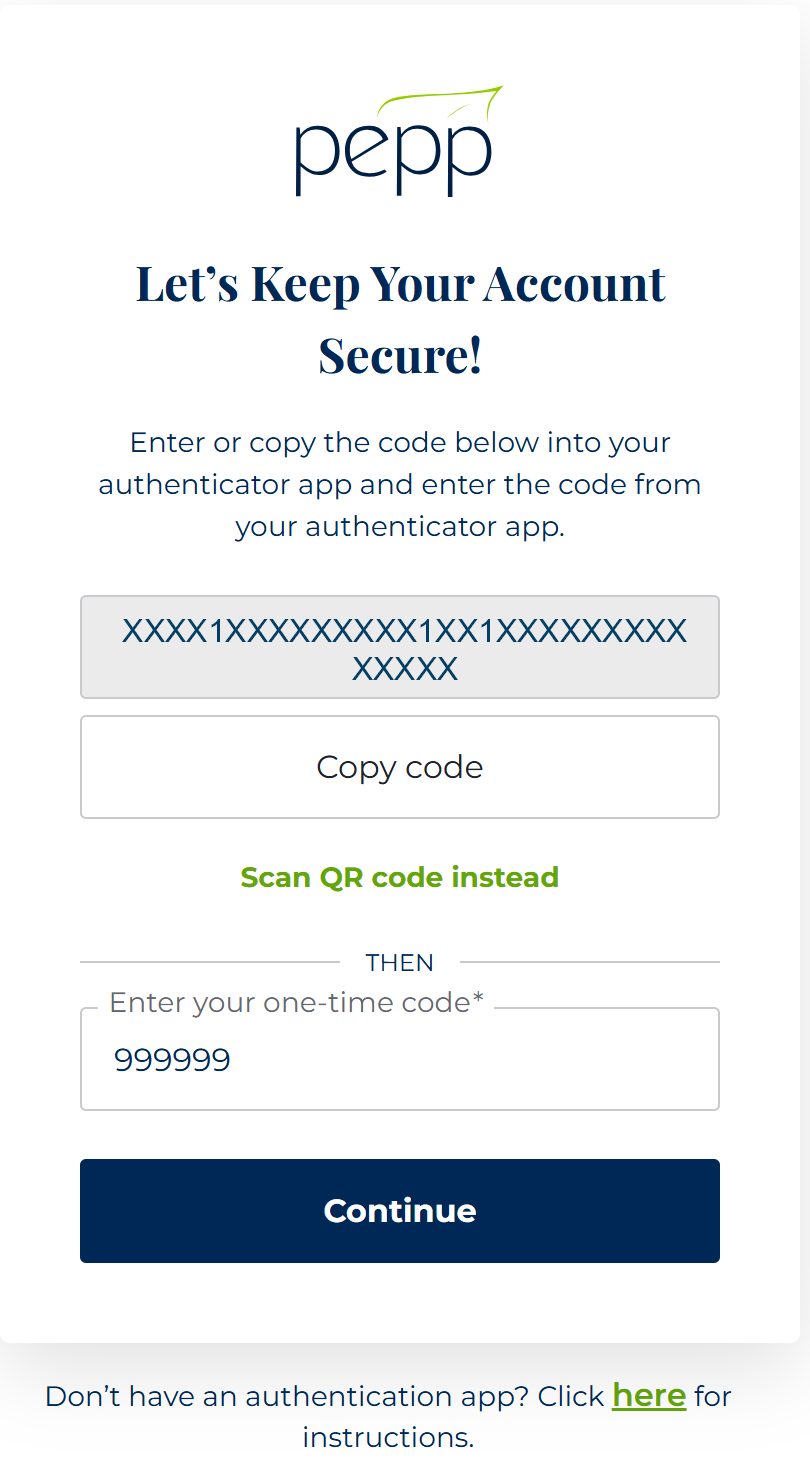
If you scanned the QR code successfully, you can skip this step.
Copy or enter the code provided into your authenticator app. Then enter the 6-digit number from your authenticator app, then click Continue.
Success!
If your authenticator app is showing a 6-digit code, then it worked.
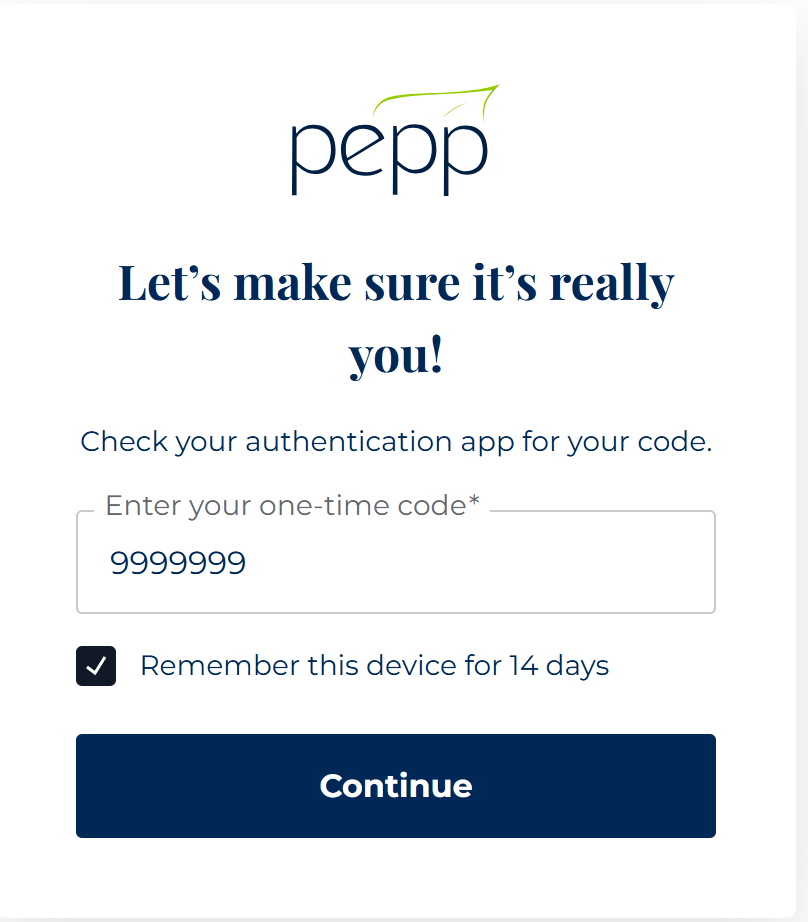
If you are on a device you trust, like your home computer, you can opt to have your device trusted for 14 days and not be asked for a code.
After 14 days, you will be required to enter a 6-digit code when you sign in.
Videos
Setting up Multifactor Authentication (MFA) for a PEPP Member
This tutorial will walk you through how to set up MFA on your PEPP online member account, step-by-step.